Talisman (Recommended)
Talisman is the highly recommended wallet extension for navigating the Autonomys Network ecosystem, managing assets, and participating in network staking.
Talisman is a 3rd party Ethereum and Polkadot wallet created by the Talisman Team.
Create or Setup Your Talisman Wallet
-
Visit the Talisman website and add the extension to your browser.
-
Once the extension is installed, open it from your browser's extension menu.
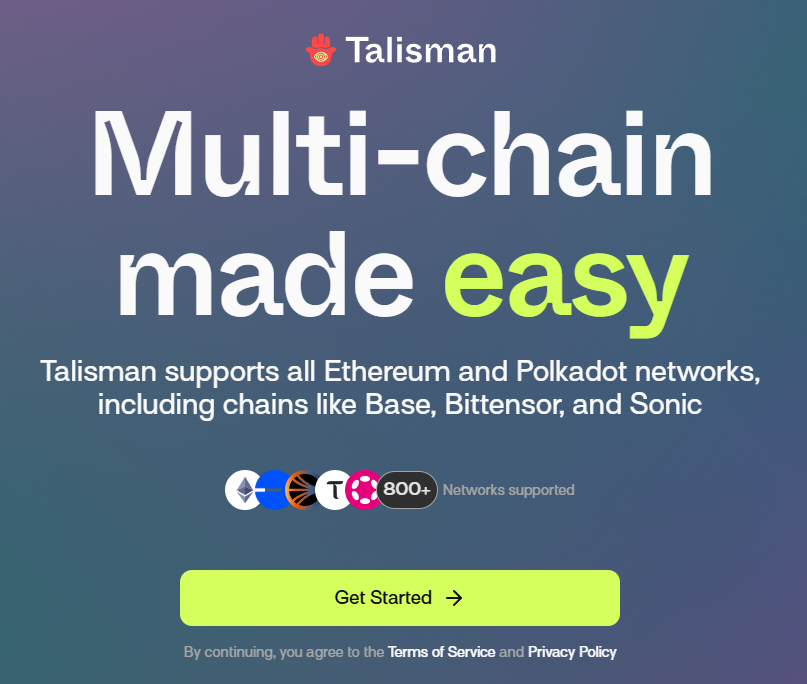
- After clicking the
Get Startedbutton, you will need to set a secure master password for the extension.
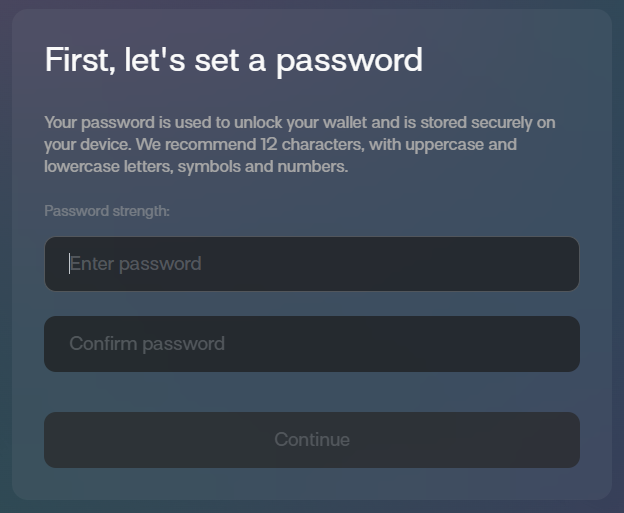
- Once you set your password and click
Continue, you will need to answer a privacy question regarding data sharing preferences.
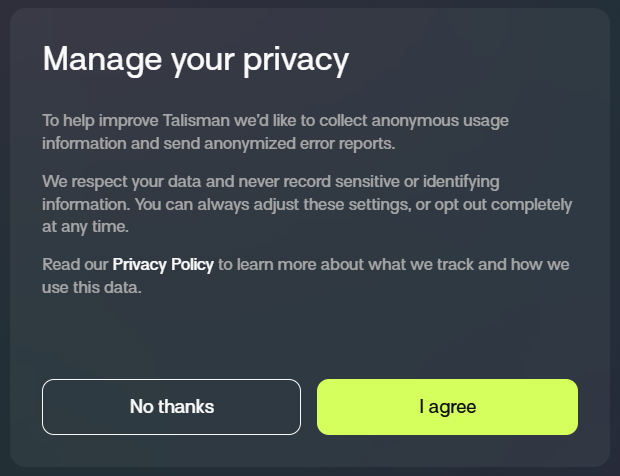
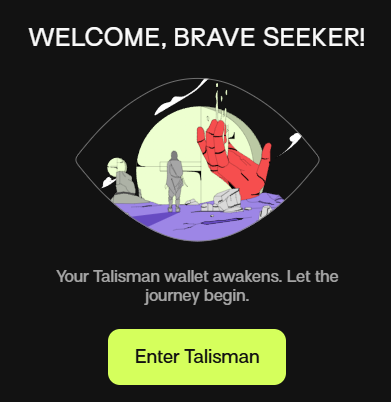
- You will then get a welcome screen. Click
Enter Talismanto access your main wallet interface.
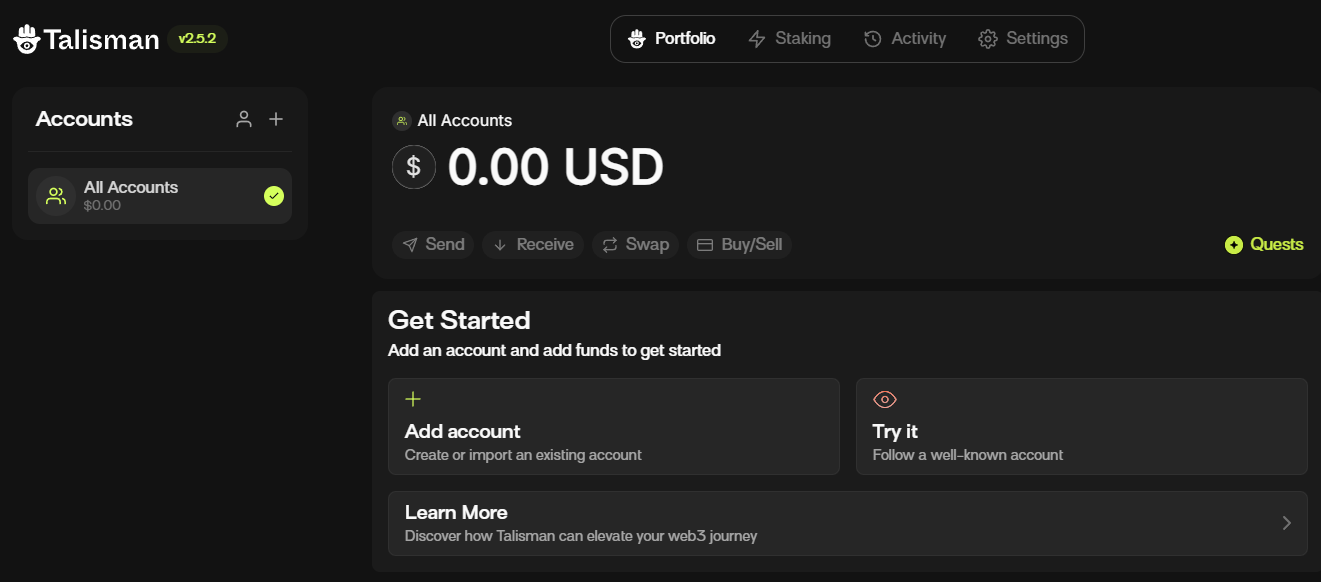
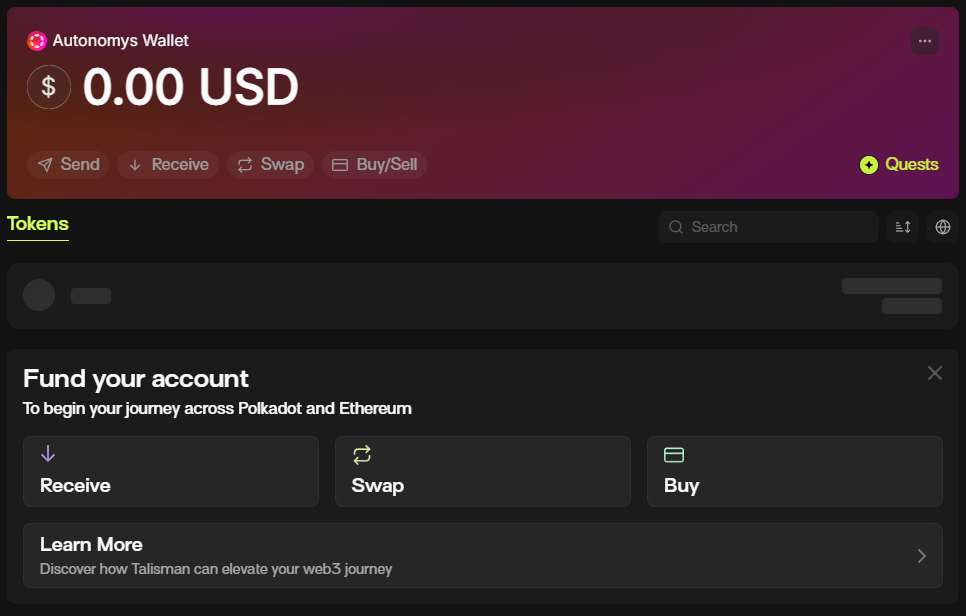
- Once you enter Talisman, you will see the primary wallet dashboard.
Managing Your Accounts
To participate in Autonomys Network staking, it is highly recommended to create a dedicated fresh account to isolate your staking capital.
Creating a New Account (Recommended for Staking)
- On the dashboard, click the
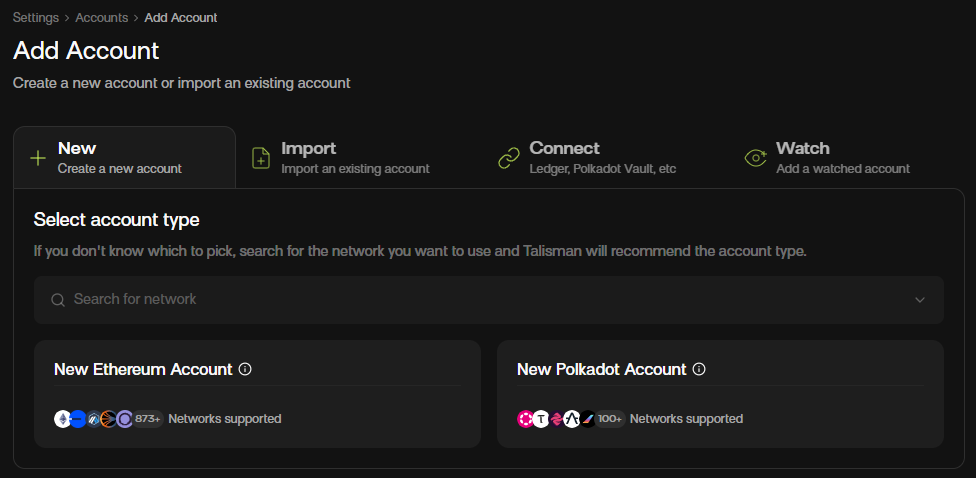
Add accountbutton to open the account management panel.
- Click on
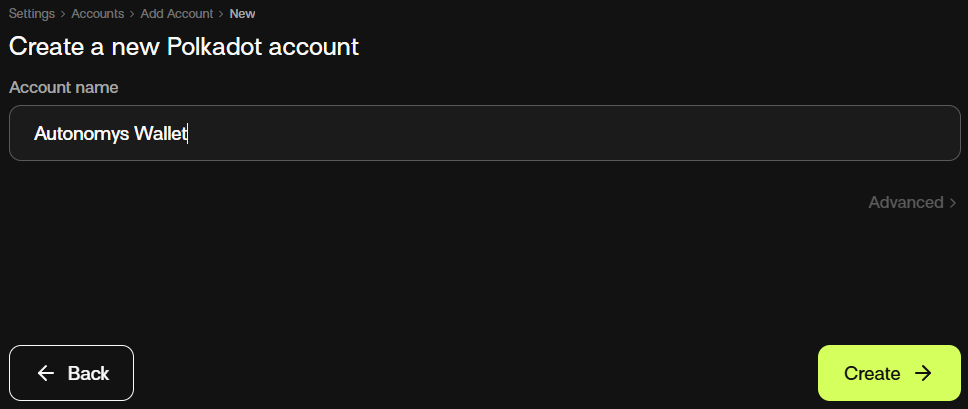
New Polkadot account. You will be prompted to choose an account name (e.g., "Autonomys Staking").
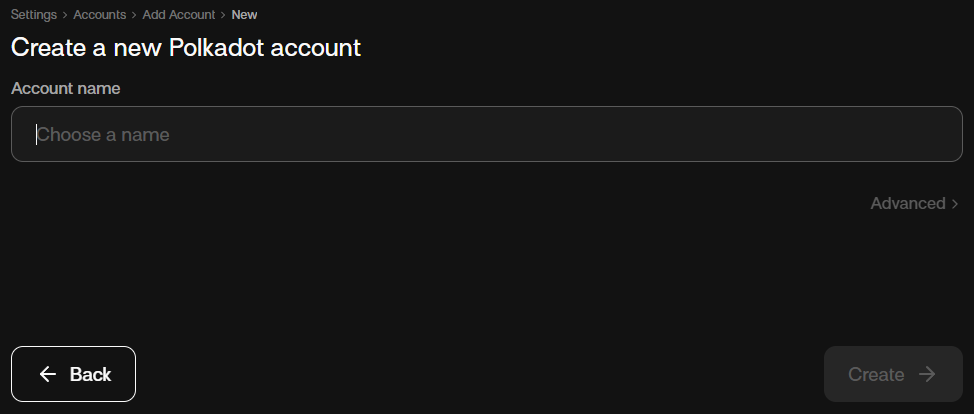
- After choosing a name and clicking
Create, the extension will present crucial safety guidelines about your recovery phrase. Read these carefully.
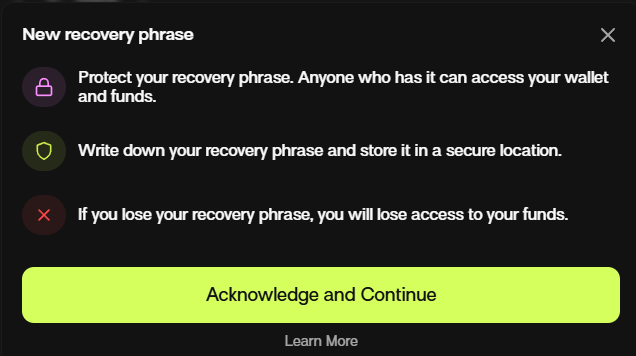
- Click
Acknowledge and Continueto reveal your unique backup recovery phrase.
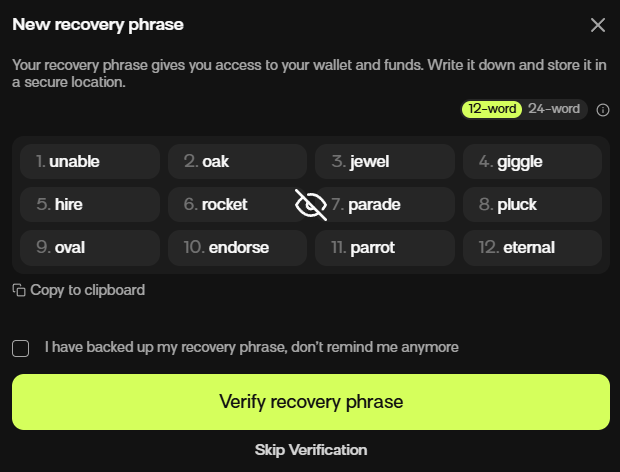
Your recovery phrase (also known as a seed phrase) is the master key to your cryptocurrency wallet. Anyone with access to this phrase can take complete control of your funds. Never share it with anyone, never store it in unsecured digital platforms or emails, and always ensure you have a safe offline backup. Treat it like your most sensitive personal or financial information. If it’s exposed or lost, you could permanently lose access to your cryptocurrency.
- You can either verify the recovery phrase immediately or select
Skip Verificationto proceed back to the dashboard.
Importing an Existing Account
If you already have an active consensus-chain Substrate seed phrase, you can import it directly.
- Click the
Add accountbutton on your dashboard.
- Navigate to the Import tab at the top of the panel.
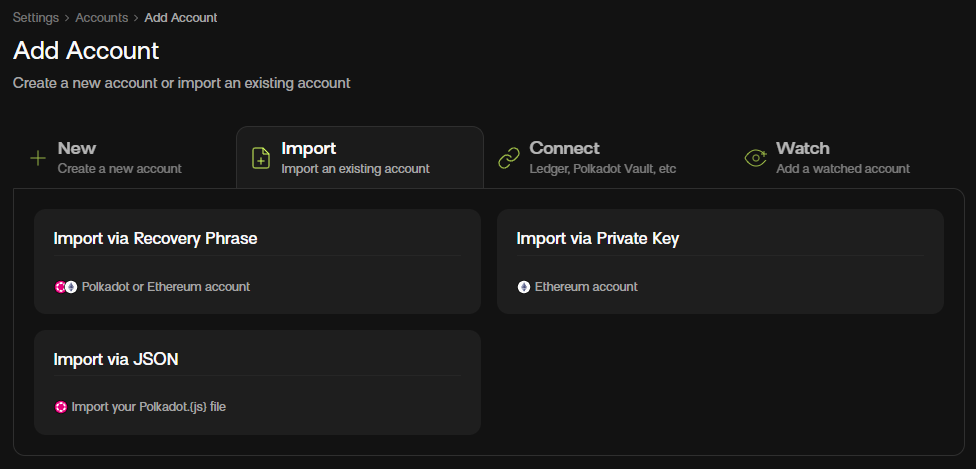
- Click
Import via Recovery Phraseand explicitly select Polkadot as the network type.
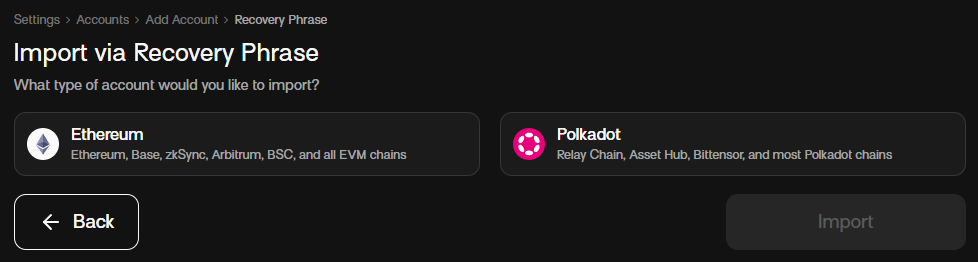
- Provide an account name and enter your secret recovery phrase into the input field.
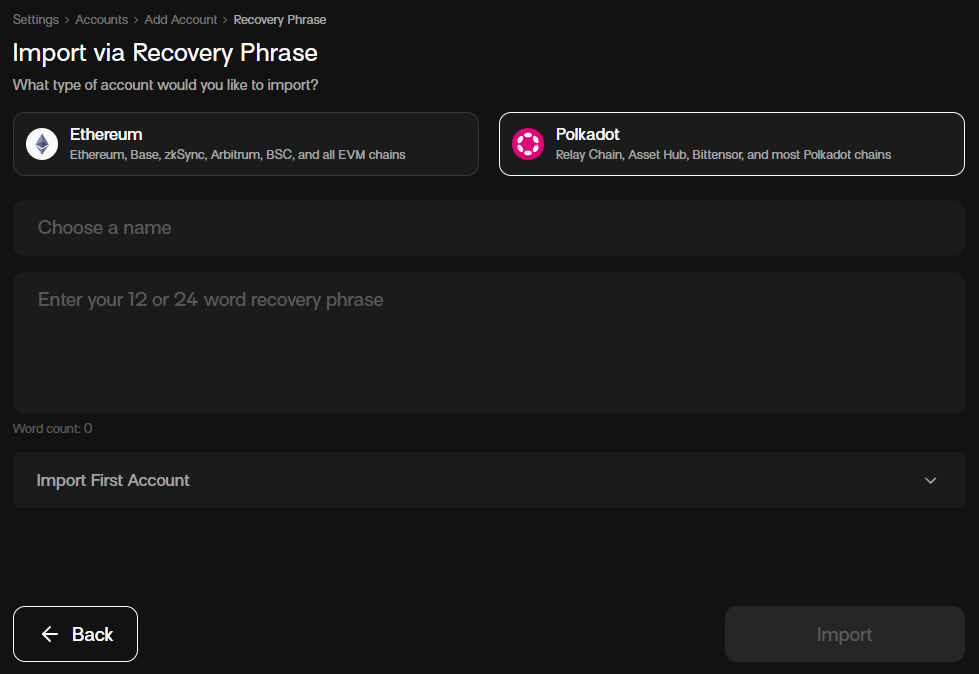
- Click the final
Importbutton at the bottom to link your existing account.
Connect to Autonomys & Find Your Public Address
Once your account is ready, follow these steps to retrieve your public address for receiving tokens or mapping to staking nodes.
-
From the main dashboard view, click the Receive button.
-
In the network selection search bar, type
autonomysto filter the network endpoints.
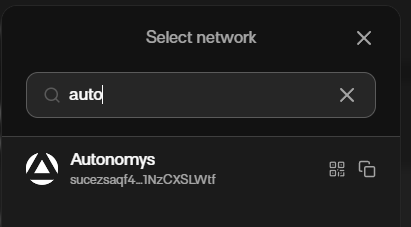
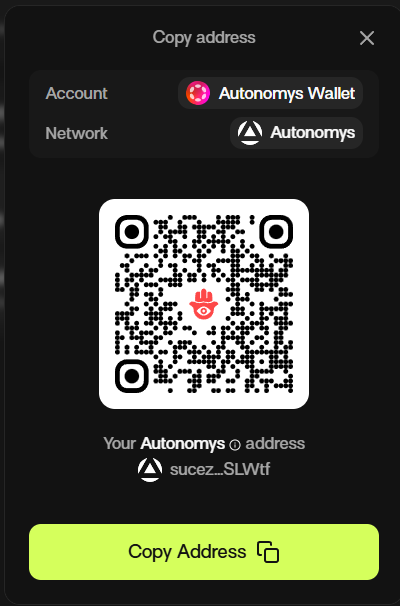
- Click on the Autonomys Network option. A modal will display your public address along with a scannable QR code. Click Copy Address to save it directly to your clipboard.
Backing Up Your Wallet (JSON Export)
In addition to your recovery phrase, keeping a backup JSON file adds an extra layer of structural asset security.
- Click on the three dots menu icon in the top right corner of the extension interface.
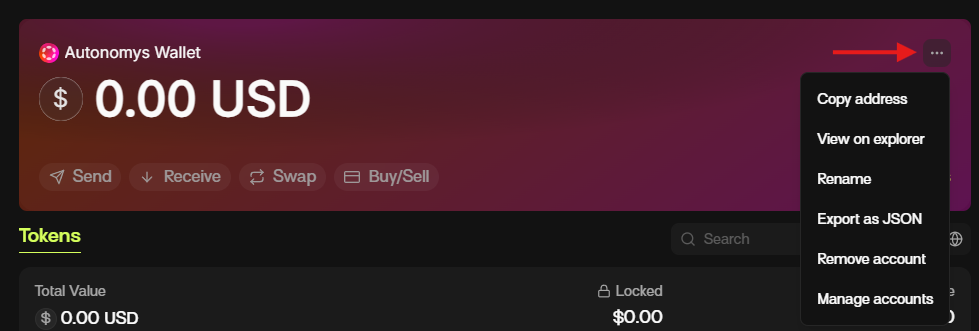
- Choose Export as JSON from the dropdown options.
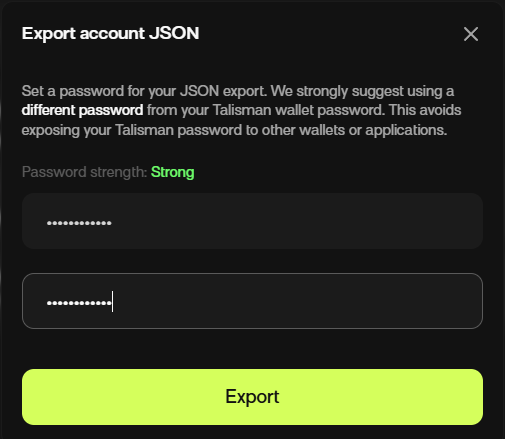
- Enter your wallet master password and click
Submit.
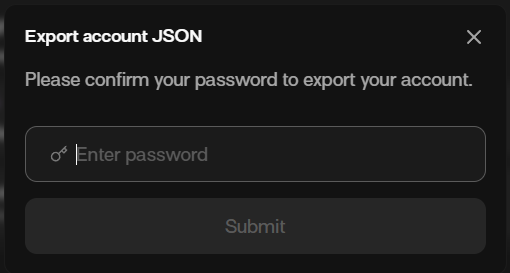
- Create a unique, strong password specifically to encrypt this standalone JSON file.
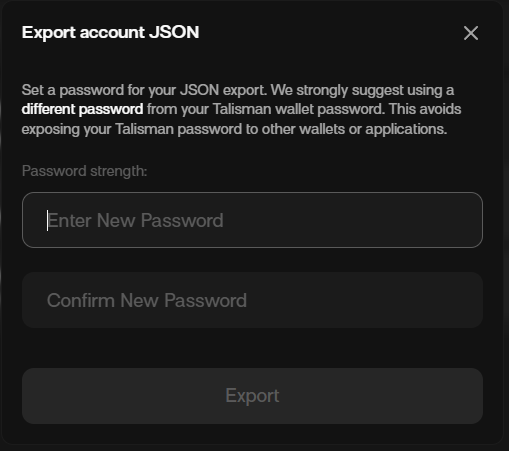
- Click
Exportto automatically trigger the secure file download to your machine. Keep this file completely offline.
🚀 Next Steps: The Staking Journey
With your Talisman wallet fully optimized and mapped to the Autonomys Network infrastructure, you can now transition into active staking operations:
- Fund Your Address: Use your copied Substrate public address format to receive your tokens.
- Advanced Portal Setup: If your workflow requires hooking into full Polkadot apps dashboards, check out the Polkadot.js Apps Guide.
- Launch Staking Positions: Head straight over to the main Staking Guide to pair your wallet and begin earning block rewards.
Troubleshooting
If you encounter interface differences or wish to explore advanced developer configurations, refer directly to the Official Talisman Documentation.